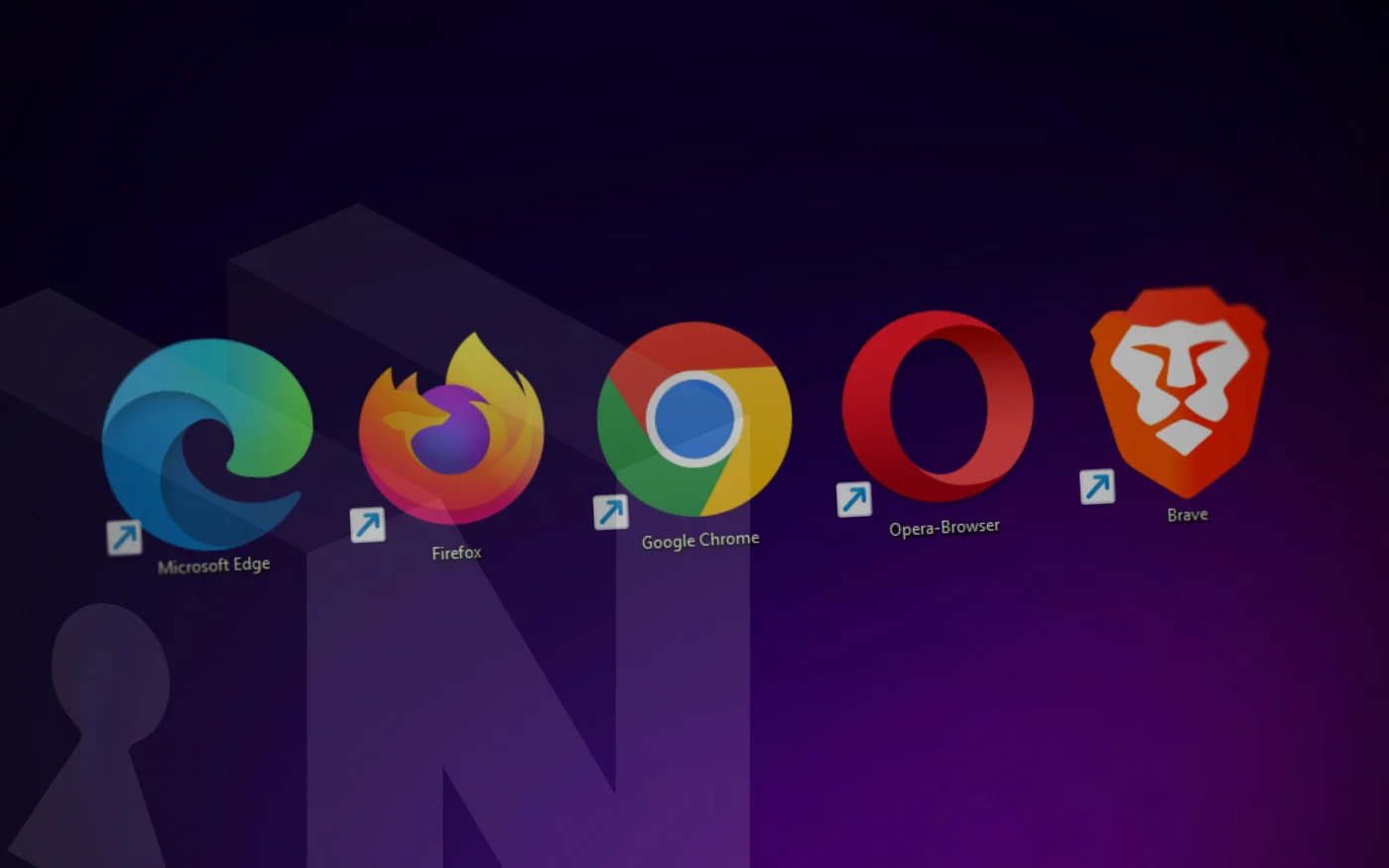
Google Chrome holds roughly 65% of the global browser market, and the company that makes it runs the largest advertising business in history. That tension — a browser maker funded by surveillance — is the reason anyone writes articles like this one. Browsers are the single most-used piece of software on any internet-connected device, and the gap between the most private mainstream browser and the least private one is now measurable, repeatable, and wider than most users assume.
This piece grades every browser a normal person might plausibly install on a laptop or phone, ranked from A to F. Grades draw on independent testing from PrivacyTests.org and the EFF’s Cover Your Tracks, plus documented behaviors around telemetry, fingerprinting resistance, default blocking, and corporate incentive structure. The intent is not to declare a winner — different threat models need different tools — but to make the defaults legible so you can pick one that matches what you actually need protection from.
How Browser Privacy Gets Measured
Privacy claims from browser vendors are marketing until tested. The two testing surfaces that matter:
PrivacyTests.org, maintained as an open-source test suite by Arthur Edelstein (formerly of Brave and the Tor Project), runs automated browsers through roughly 156 checks covering state partitioning, tracker blocking, fingerprinting resistance, and query parameter handling. Scores are public and re-run with each major browser release. The EFF’s Cover Your Tracks measures how uniquely identifiable a browser is — the inverse test, since ubiquity defeats tracking.
Neither tool captures everything. Network-layer visibility (your ISP sees destinations regardless of browser), telemetry pipelines sending data back to the vendor, and account-linked profiling all happen outside the test harness. A browser that scores 143/156 on PrivacyTests.org can still phone home about your browsing if the vendor chooses to. That caveat colors every grade below.
Four criteria drive the grading:
Default protections — what blocking and isolation happens without the user touching settings. Research cited by Microsoft places the share of users who change default browser settings at under 5%, which means defaults are the product for nearly everyone.
Fingerprinting resistance — whether the browser actively randomizes or spoofs the APIs (canvas, WebGL, fonts, screen metrics) that uniquely identify you across sites.
Vendor incentive alignment — whether the company or foundation behind the browser makes money by not tracking you, or by doing the opposite.
Transparency — open source, published telemetry, auditable update channels.
The Grades
A+ — Tor Browser
Tor remains the only mainstream browser that routes traffic through a volunteer-operated anonymity network, layering three relays of encryption between you and the destination. It is the only browser on this list that meaningfully protects against network-level surveillance — your ISP cannot see what site you’re visiting, only that you’re using Tor.
The browser itself is a hardened Firefox fork that ships with NoScript, standardized window sizes, and aggressive fingerprinting defenses that make every Tor user look roughly identical to every other Tor user. Anti-fingerprinting is real, not theater.
The costs are real too. Tor is slow, exit nodes are frequently blocked or CAPTCHA-challenged, and the network trust model depends on volunteer relay operators — a compromised guard node plus a compromised exit node can, in theory, correlate traffic. For researchers handling sensitive topics, activists in hostile network environments, or anyone accessing .onion services, Tor is the only defensible choice. For everyday browsing, it’s overkill, and using it for logged-in accounts undermines its own anonymity guarantees.
A — Mullvad Browser
A collaboration between the Tor Project and Mullvad VPN released in April 2023, Mullvad Browser is what you get when you strip the Tor network off Tor Browser and keep everything else. Same hardening, same standardized fingerprint, same letterboxed window — but at normal internet speeds. Independent testing has placed Mullvad at or near the top of PrivacyTests.org rankings, competitive with Brave.
The design assumption is that you’ll pair it with a VPN (Mullvad’s own, or any other) to cover the network layer Tor normally handles. Without that pairing, your ISP sees destinations as they would with any other browser. No sync, no extension store, no account system. It’s a tool for people who already have opinions about threat models and want the Tor Browser’s protections in a more usable form.
A− — Brave
Brave is the pragmatist’s pick — the browser that gets closest to Tor-level defaults without the usability tax. Built on Chromium, founded in 2015 by Brendan Eich, and now claiming around 70 million monthly active users, Brave ships with its Shields feature on by default: tracker blocking, third-party cookie blocking, fingerprint randomization, and script-level controls, all without the user lifting a finger.
PrivacyTests.org scores cited in reviewer comparisons have placed Brave at 143 of roughly 156 checks — the top desktop score among mainstream browsers. It supports nearly all Chrome extensions, which makes migration from Chrome trivial, and it includes optional Tor-routed private windows, a local-first AI assistant (Leo) that proxies queries, and CNAME uncloaking to defeat trackers that hide behind first-party subdomains.
The drawbacks are worth naming. Brave runs its own opt-in advertising network built around the BAT cryptocurrency token, which critics argue creates a conflict of interest — smaller than Chrome’s, but structurally similar. The browser has had past controversies around auto-completing URLs with affiliate suffixes (fixed in 2020) that left a trust debt with some users. And aggressive blocking occasionally breaks sites.
For a user who wants maximum out-of-the-box privacy with near-universal site compatibility and zero configuration, Brave is the answer in 2026.
B+ — LibreWolf
LibreWolf is a community-maintained Firefox fork that ships Firefox with privacy settings already turned to eleven: telemetry disabled, uBlock Origin bundled, strict tracking protection, resistFingerprinting enabled, and all Mozilla-account integration removed. It has no telemetry pipeline of its own.
PrivacyTests.org has scored LibreWolf in the same tier as Tor Browser on raw blocking metrics — one public count placed LibreWolf at 139/156 versus Tor at 132/156, though methodology matters and scores shift per release. The catch: updates lag mainline Firefox by days or weeks, which is a security concern for zero-days. There’s no auto-update on most platforms, no sync, and users who break something in about:config are on their own.
For users who want Firefox without the Mozilla corporate surface area and who are comfortable managing their own browser, LibreWolf is a strong pick. For everyone else, it’s too much homework.
B — Firefox
Firefox is the most important mainstream privacy browser not because it scores highest, but because it’s the only widely-used browser that doesn’t run on Chromium — and the open web genuinely needs a non-Google rendering engine to survive. Enhanced Tracking Protection (ETP) in its Standard mode blocks known trackers, cryptominers, fingerprinters, and cross-site cookies by default. Strict mode tightens all of that further.
Firefox falls short of Brave in a few specific places. Default tracker blocking covers roughly 85% compared to Brave’s 97% in comparable tests. Fingerprinting resistance is optional and off by default (privacy.resistFingerprinting in about:config). Mozilla has added advertiser-friendly features in recent years — privacy-preserving attribution was enabled by default in version 128, and the Acceptable Ads changes around sponsored content have drawn criticism from long-time users. Mozilla Corporation’s search-deal revenue depends overwhelmingly on Google, which is a structural dependency worth naming.
Containers, uBlock Origin support without Manifest V3 restrictions, a real open-source codebase, and a non-Chromium engine keep Firefox in the B tier. It rewards users who tune it and still protects users who don’t.
B− — DuckDuckGo Browser
DuckDuckGo’s browser (desktop is out of beta as of 2024, mobile has been around longer) is aimed at users who want privacy without thinking about it. It blocks third-party trackers before they load, enforces HTTPS, strips tracking parameters from URLs, and includes a one-tap “Fire Button” to nuke all browsing data. Cookie consent pop-ups get auto-dismissed with a privacy-preferring default.
The underlying engine is WebKit on macOS/iOS and a custom rendering approach on Windows that has historically drawn questions about how closely it hews to a Chromium base. DuckDuckGo’s search-syndication deal with Microsoft previously allowed some Microsoft-owned trackers through, which the company ended in 2022 after researcher disclosure.
Simpler than Brave, less configurable than Firefox, and without the extension ecosystem of either. Good for people who want one button that says “stop tracking me” and not much else.
C+ — Safari
Safari sits in an awkward middle. Apple’s business model is hardware-and-services, not advertising, which aligns incentives better than Google’s or Microsoft’s. Intelligent Tracking Prevention (ITP) uses on-device machine learning to identify and downrank cross-site trackers, and Safari 26 made Advanced Fingerprinting Protection a default. iCloud+ subscribers get Private Relay, which masks Safari’s outbound IP address from destination servers.
The shortfalls are real. Safari is closed-source outside the WebKit rendering engine, which limits independent verification of what else is running. Extensions are restricted compared to Chrome or Firefox, reducing the ability to layer on additional protections. Safari’s private browsing has faced past lawsuits — Apple has been sued over data collection during private sessions, and multiple cases remain unresolved. Tracker blocking is strong in testing but doesn’t reach Brave’s 97% threshold without help from a content blocker like AdGuard or 1Blocker.
On iOS, Safari is the only real option — every other iOS browser is a WebKit skin because of App Store rules, though that changed for the EU under the Digital Markets Act starting 2024. For Apple-ecosystem users who want reasonable defaults without extra work, Safari is adequate. For anyone with a stronger threat model, it’s not enough.
C − Opera
Opera is a Chromium-based browser with a built-in VPN (actually a proxy, not a true VPN, and it’s free), tracker blocking, and a cryptocurrency wallet. On paper, privacy-forward. In practice, Opera is owned by Kunlun Tech, a Chinese internet conglomerate, which has drawn scrutiny from privacy researchers about data handling practices and disclosures. The “free VPN” routes traffic through Opera-controlled servers with opaque logging policies.
Opera works. It blocks trackers better than Chrome out of the box. But the ownership structure and the vague privacy guarantees around its VPN put a ceiling on how high it can grade.
D+ — Microsoft Edge
Edge is Chromium with Microsoft’s account and telemetry layer grafted on. It includes Tracking Prevention with Basic, Balanced, and Strict tiers — Balanced is the default. At Balanced, it blocks some third-party trackers; at Strict, it approaches Firefox-level protection but breaks more sites.
The problems are structural. Edge integrates tightly with Bing, Microsoft advertising, and Windows telemetry. InPrivate mode still collects what Microsoft describes as “non-personal” telemetry. The browser has repeatedly added features — Bing sidebar, shopping comparison, Copilot integration — that send browsing context to Microsoft servers, often on by default. The Copilot integration in particular processes page content for AI features, a category of exposure that didn’t exist in prior browser generations.
Edge is a better Chromium than Chrome on privacy defaults, but “better than Chrome” is a low bar, and Microsoft’s incentive structure — a top-five global advertising company — pulls in the wrong direction.
D — Chrome
Chrome is made by Google, whose parent company Alphabet generates the majority of its revenue from advertising. That fact shapes every privacy decision the Chrome team makes. Third-party cookies, after years of promised deprecation, remain in place as of 2026 following Google’s July 2024 decision to keep them and offer users a choice instead. Topics API and the rest of the Privacy Sandbox move tracking from third-party cookies into the browser itself, with Google as the intermediary.
Chrome passes fewer PrivacyTests.org checks than any other browser in this ranking. Default fingerprinting resistance is effectively zero. Manifest V3, rolled out across 2023–2024, crippled the capabilities of uBlock Origin and similar blockers that many users relied on as their only real tracking defense. Google settled a $5 billion lawsuit in April 2024 over tracking users in Incognito mode and agreed to delete collected data — an admission that Incognito was never what most users assumed it was.
Chrome is fast. It’s compatible with everything. It’s the browser most IT departments deploy. None of that is the same as private.
F — Yandex Browser
Yandex Browser is a Chromium fork developed by the Russian search and technology company. In 2023, researchers at the Polytechnic University of Milan and other institutions documented that Yandex Metrica — a tracking library — was shipping on millions of Android apps and communicating with localhost in ways that deanonymized users across browsers. The browser itself ships with telemetry tied to Yandex accounts and search. It is a functional browser. It is not a private one under any reasonable definition.
What Browsers Can’t Fix
Every browser on this list, including the ones with A-range grades, leaves large tracking surfaces untouched. A privacy browser addresses the visible surveillance layer — cookies, fingerprinting scripts, tracker domains — while leaving deeper infrastructure intact.
ISPs see every destination you connect to, regardless of browser. DNS queries leak metadata unless you explicitly configure encrypted DNS (DoH or DoT). TLS Server Name Indication still transmits the hostname in plaintext unless ECH (Encrypted Client Hello) is both enabled on your browser and supported by the destination. Mobile operating systems identify you at the OS level through advertising IDs, and apps aggregate behavioral data the browser never sees. Data brokers aggregate across all of these channels and sell the results.
Switching from Chrome to Brave is a meaningful reduction in exposure. It is not escape from surveillance. A fuller stack includes a reputable VPN or Tor, encrypted DNS, disciplined extension hygiene, and account separation across the major tracking ecosystems (Google, Meta, Apple, Microsoft).
FAQ
Is Chrome’s Incognito mode private? Not in any meaningful sense. Incognito prevents local history and cookie storage on your own device but does nothing about network-level tracking, fingerprinting, or logged-in session tracking. Google’s $5 billion settlement in April 2024 explicitly acknowledged that data was being collected during Incognito sessions.
Does a VPN make any browser private? A VPN hides your IP from destination servers and your ISP from seeing specific destinations. It does not prevent cookies, fingerprinting, or logged-in account tracking — all of which happen inside the browser. A VPN plus Chrome is still a tracked browsing session. A VPN plus Brave or Firefox is meaningfully private at both layers.
What about Arc, Vivaldi, or Zen Browser? Arc (from The Browser Company) is Chromium-based with no default privacy advantage over Chrome and significant telemetry; the company pivoted away from Arc development in 2025 toward its new Dia browser. Vivaldi is Chromium-based with good blocker integration but no structural privacy advantage over Brave. Zen is a young Firefox fork focused on UI rather than privacy hardening. None of the three merit a ranking above Firefox on privacy grounds today.
Will Google’s Privacy Sandbox actually replace cookies? Third-party cookie deprecation was effectively abandoned in Chrome in July 2024 in favor of a user-choice prompt. Privacy Sandbox features like Topics API remain in place, but they move tracking inside the browser with Google as intermediary rather than eliminating it.
The Honest Recommendation
For most users in 2026, install Brave and stop thinking about it. The defaults are strong, compatibility is near-universal, and the configuration cost is zero. If you want a non-Chromium browser for ecosystem reasons or because you don’t trust any Chromium fork, install Firefox and enable Strict tracking protection. If your threat model includes a capable network adversary — a journalist working sources, a researcher on harassment campaigns, an activist under a hostile government — use Tor for that work and keep it separate from the rest of your browsing.
Chrome’s 65% market share is a product of being pre-installed and habit, not a product of merit on privacy. The tools to do better are free, fast, and take about ninety seconds to install. The only question is whether defaults matter to you, and the defaults of your current browser have already answered that question on your behalf.