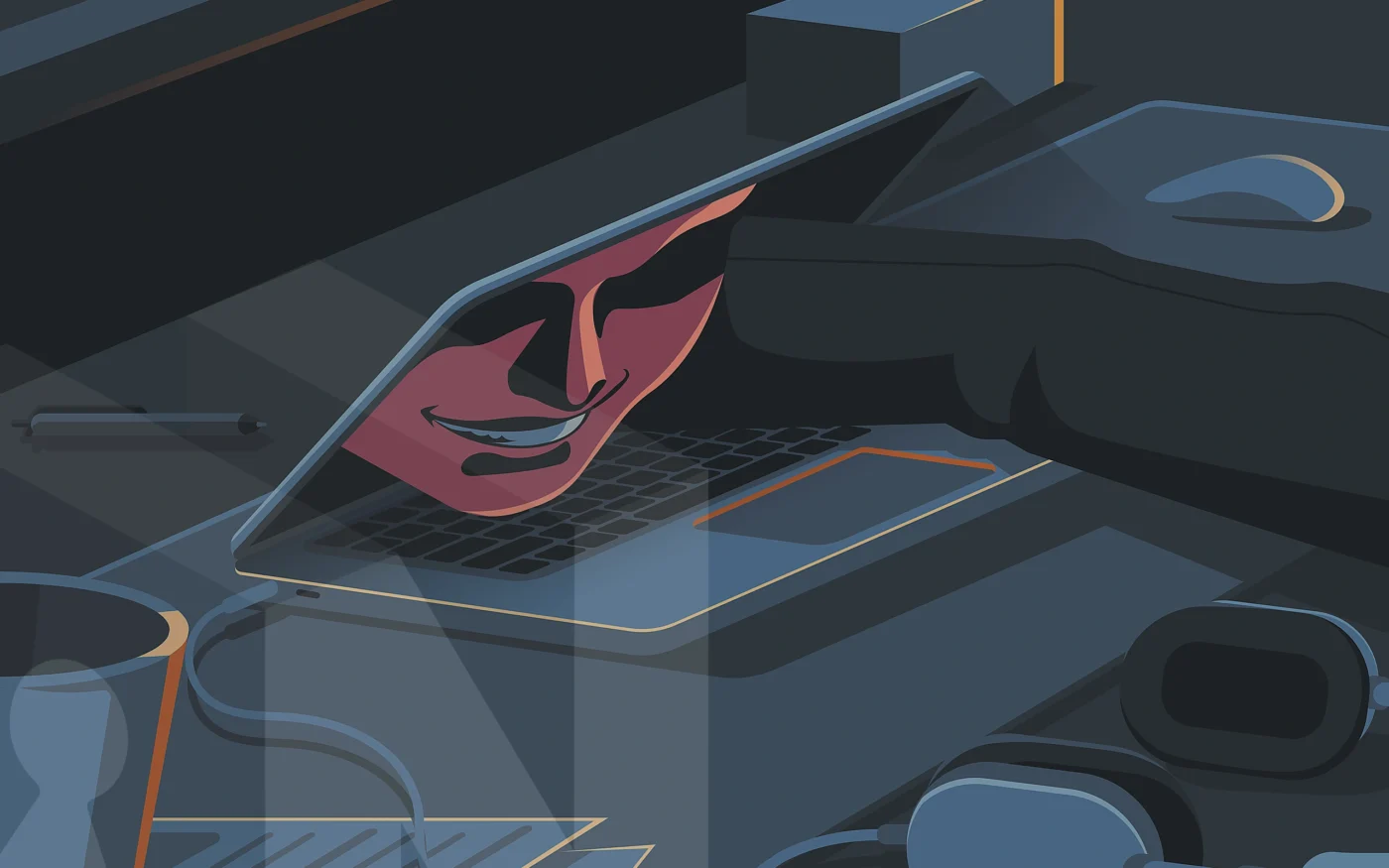
The fastest way to tell if your account has been hacked is not to look for the attacker — it’s to look for the disruption around them. The intrusion is silent by design. An attacker signs in with valid credentials, configures persistence in your settings, and uses the account as infrastructure for whatever comes next — phishing your contacts, draining a wallet, harvesting your inbox for password resets to other services. You won’t see the break-in. You’ll see what happens after.
The scale of the problem is now unmistakable. The FBI’s 2025 Internet Crime Report logged 1,008,597 complaints and $20.877 billion in losses — a 26 percent jump over 2024 and the first year cybercrime losses crossed $20 billion. The report explicitly flagged account takeover as a mechanism behind business email compromise, investment fraud, and crypto theft, describing ATO incidents that can involve 50 or more transactions to different recipient accounts at multiple banks happening simultaneously. Verizon’s 2025 Data Breach Investigations Report found stolen credentials as the initial access vector in 22 percent of breaches and involved in 32 percent overall — still the single most reliable on-ramp to a compromise. Microsoft’s 2025 Digital Defense Report attributed 80 percent of multi-factor authentication bypass breaches to session-token theft via adversary-in-the-middle phishing — meaning even MFA-protected accounts now fall regularly. The compromise economy has industrialized.
This guide covers the five operational signs that tell you your account has been hacked, the modern attack techniques producing them, and the 10-minute incident response sequence that follows when one of them lands.
Sign 1: How to tell if your account has been hacked through recovery channels
This is the sign almost nobody catches in time. You attempt to reset a password and the platform tells you it sent a code to a backup address — j***@protonmail.com, or a phone number with a country code that isn’t yours. That isn’t your account. Nobody asked you before adding it.
MITRE ATT&CK catalogs this behavior as T1556.006 — Modify Authentication Process: Multi-Factor Authentication. The technique describes adversaries disabling or modifying MFA to enable persistent access to compromised accounts. Once an attacker is inside, they add their own recovery channels: a backup email, a swapped recovery phone, a new forwarding rule that auto-routes password resets to an inbox they control, or an app-specific password that bypasses MFA entirely. These edits survive your next password change. They survive your next 2FA reset. They are the reason “I already changed my password” is not a complete response to an incident.
Most platforms don’t notify you when a recovery method is added — only when one is used. That is why this sign can sit dormant in your account for weeks or months. Quarterly audits of the recovery section on every primary account are the single highest-value preventive habit you can build.
Sign 2: Every signed-in device terminates at the same moment
Your phone asks you to sign back into one app. Within sixty seconds, your laptop logs you out of another. Then your tablet pings: session expired. Three devices, three logouts, same minute.
The pattern is the signature of a forced session revocation, executed when an attacker changes the account password or explicitly terminates other sessions. Most platforms now offer a “log out all other sessions” button — it’s a defensive control when you press it, but it’s also a screen of glass that breaks loudly when an attacker presses it from inside. Applications do not fail in formation. Independent network glitches don’t synchronize across your phone’s cellular connection, your laptop’s home Wi-Fi, and your tablet’s tethered hotspot inside a sixty-second window. When that pattern shows up, the cause is one event affecting the account itself, not separate failures affecting each device.
Time to detect this sign is short — minutes, sometimes seconds. The cost of missing it is high, because at the moment you’re getting kicked out, the attacker is establishing their own session and probably setting up the persistence vectors described in Sign 1.
Sign 3: A contact reports a message you didn’t send
Someone messages you a screenshot of a link you “sent” them — an obvious phishing lure with your name on it. A coworker asks whether the cryptocurrency offer in your direct message is legitimate. Your sent folder contains replies in threads you’ve never seen.
Phishing links delivered through compromised accounts convert at substantially higher rates than cold outreach, because recipients trust the sender. The IC3 2024 Report recorded 193,407 phishing and spoofing complaints, with phishing-related losses rising from $18.7 million in 2023 to $70 million in 2024 — a 274 percent increase. The 2025 report tracked those losses tripling again, to $215.8 million, even as raw complaint volume slightly fell. The interpretation is clear: attackers convert compromised access into higher-yield campaigns, not more campaigns. Sent-folder entries, outbound DMs, group chat replies in unfamiliar threads, and posts you didn’t author are the operational footprint of an account being used to seed the next compromise.
Time to detect depends on whether the people in your contact list speak up. This is the sign most likely to be discovered by someone other than you.
Sign 4: How to tell if your account has been hacked from MFA prompts alone
Your phone buzzes with a login approval prompt you didn’t initiate. You tap “no.” Ten minutes later, another one. Then another. Sometimes the requests cluster overnight, betting on your fatigue. Sometimes they arrive with a follow-up message — SMS, WhatsApp, even a phone call — from someone posing as IT support, asking you to approve the prompt so they can “verify it’s you.”
The technique is MITRE ATT&CK T1621 — Multi-Factor Authentication Request Generation, also called MFA fatigue, push bombing, or prompt bombing. It is the attack that breached Uber in September 2022, when a contractor’s credentials were purchased from a dark-web marketplace, used to trigger a sustained wave of MFA push notifications, and ultimately approved — after the attacker, identified as affiliated with the Lapsus$ group, contacted the contractor on WhatsApp posing as Uber IT. The technique has since spread broadly because it works specifically when MFA depends on the user’s judgment under interruption.
The critical implication of Sign 4 is what it means about your password. An unprompted MFA request is not noise. It is direct evidence that your credentials are already in the attacker’s possession. The only thing standing between them and your account is whether you tap approve. A single accidental tap grants full access; once they’re in, Sign 1 follows within minutes as they establish persistence. Treat every unprompted prompt as confirmation that the password layer has failed.
Sign 5: Sub-dollar test transactions
A $0.99 digital gift card. A $5 mobile-game top-up. A small receipt from an app you’ve never opened. The amounts deliberately fall below the threshold most fraud-detection systems will flag, and the merchants liquidate quickly while producing digital goods rather than physical shipments.
The micro-charges are reconnaissance, not error. Attackers verify stolen account access through low-friction channels that bypass fraud-detection thresholds, then escalate once the test clears. The IC3 report notes ATO-related incidents frequently involve dozens of fraudulent transactions executed across multiple banks simultaneously. The micro-charge is the predicate; the real loss lands hours later. Independent academic estimates put true consumer ATO losses at three to five times the IC3 figure, because most victims are reimbursed by the merchant or bank and never file a complaint, leaving the actual scale of this category understated in public data.
Time to detect: typically days, because most people see these charges only on a monthly statement. The defense is account-level alerting set to notify on any transaction below the bank’s default fraud threshold, not just transactions above it.
Here is the reframe that ties the five together:
How attackers get in: the 2026 compromise pipeline
Five years ago, account compromise meant a weak password and a successful phishing email. That model is obsolete. The modern compromise pipeline has three distinct on-ramps, each producing the signs above for different reasons. Understanding the on-ramp matters because the response varies — particularly for infostealer infections, where credential resets must come after device cleanup or the new credentials get stolen too.
Infostealer logs
The single fastest-growing vector for consumer account compromise is infostealer malware — programs that infect a device, harvest every credential and session cookie saved in the browser, then exfiltrate the data to a command-and-control server within minutes. The data ships as “stealer logs” and sells on Telegram channels and underground markets for as little as ten dollars per machine. According to Flashpoint, infostealers stole 1.8 billion credentials in the first half of 2025 alone from 5.8 million infected devices — an 800 percent increase over the previous six months.
The dominant families through 2025 and 2026 are LummaC2, StealC, Vidar, and ACRStealer. Lumma was disrupted by Microsoft and the U.S. Department of Justice in May 2025 — taking down 2,300 domains and identifying 394,000 infected machines globally — only to rebuild its infrastructure within weeks. FBI estimates tie LummaC2 to 1.7 million fraud cases. RedLine, the historical leader, fell to Operation Magnus in October 2024 but its logs remain in active circulation. Stealer logs explain why your account can be compromised without you ever clicking a phishing link or being targeted personally.
Adversary-in-the-middle phishing
Microsoft’s 2025 Digital Defense Report attributed 80 percent of MFA-bypass breaches to session-token theft via adversary-in-the-middle (AiTM) phishing. An attacker sends a convincing phishing link, the victim clicks through to what looks like a real Microsoft 365, Gmail, or Okta login page, enters their password, completes MFA — and the attacker silently captures the resulting session cookie via a reverse proxy sitting between the victim and the real service. The cookie represents an already-authenticated session, so MFA no longer protects the account.
The dominant phishing-as-a-service kits powering this technique through 2025 and 2026 are Tycoon 2FA, Sneaky 2FA, Mamba 2FA, and the open-source Evilginx. Tycoon 2FA alone has phished an estimated 165,000+ credentials in six-week tracking windows, targeting Microsoft 365 and Gmail accounts. AiTM explains why “I have MFA enabled” is no longer a complete answer to “how do I tell if my account has been hacked” — the prompt completes successfully and the breach happens anyway.
Credential stuffing
The aggregated public credential corpus circulating on criminal markets in 2026 contains more than 24 billion exposed username-and-password pairs, per Microsoft’s 2024 Digital Defense Report. Attackers run those pairs against consumer login endpoints in automated waves. Cloudflare reported that 41 percent of successful logins it observed in 2025 used credentials previously seen in breach databases, and 64 percent of all authentication requests against monitored properties contained leaked credentials. Sift’s Q4 2024 fraud index measured a 148 percent year-over-year jump in credential stuffing volume. Stuffing explains why password reuse — the same password across services — is the single behavior most likely to cost you an account in 2026.
What to do in the next 10 minutes if your account is hacked
If you suspect compromise, the order of operations matters more than the individual steps. Resetting the password before revoking sessions tips off the attacker and gives them a chance to lock you out. Auditing persistence after re-enabling MFA misses the recovery email that lets them right back in. Execute in this sequence.
ic3.gov. For identity-theft exposure in the U.S., file at identitytheft.gov. Check whether your credentials appear in stealer-log monitoring services like haveibeenpwned.com.Why order of operations matters
Two notes on the playbook above. Step 00 is new for the 2026 threat model: when Lumma or StealC has infected the device you’re using, every credential you type — including the password reset you’re about to do — gets exfiltrated within minutes. A 2025 Identity Threat Report finding makes this concrete: only 33 percent of organizations terminate active sessions after credential theft detection, and only 54 percent reset passwords after malware infections. Both numbers should be 100 percent.
Don’t skip the persistence audit
Step 03 is where most consumer guidance fails. CISA’s Project Upskill Module 2 on protecting accounts from compromise specifically calls out the audit of recovery options and OAuth grants as the long-tail defense against re-compromise. Skip this step and the attacker walks back in through the side door they propped open during their initial visit.
How the signs map to attacker objectives
The grouping reveals the lifecycle: T1078 (valid accounts) and T1621 (MFA request generation) are how attackers get in; T1539 (steal web session cookie) is how they bypass MFA when they have a stealer log or AiTM session; T1556.006 is how they stay in; T1531 is what you experience when they take over; T1534 is how they monetize the trust your account carries. The signs span every phase. The incident response above disrupts each phase in order — revoke (kills T1539 and T1078 session reuse), reset (kills the credential), audit persistence (kills T1556.006), check financials (catches T1078 monetization), notify contacts (limits T1534 blast radius).
Frequently asked questions about how to tell if your account has been hacked
Why doesn’t changing the password fix the compromise? Because attackers establish persistence before you notice. A new recovery email, a forwarding rule, an app-specific password, an OAuth grant, or a session token they captured before the reset all survive a password change. Steps 01 and 03 of the playbook exist specifically because step 02 alone is insufficient. The Verizon 2025 DBIR finding that stolen credentials initiated 22 percent of breaches is only the on-ramp — credential theft is the opening move, not the whole compromise.
My MFA is on. Am I safe from this? MFA helps but is no longer sufficient. Microsoft’s 2025 Digital Defense Report attributed 80 percent of MFA-bypass breaches to session-token theft via AiTM phishing kits like Tycoon 2FA — attacks where the victim completes MFA on what looks like a real login page, and the attacker steals the resulting session cookie. Infostealers like Lumma and StealC also exfiltrate session cookies directly from browsers, which can be replayed without ever triggering MFA. The defense is FIDO2/WebAuthn hardware keys or passkeys, which bind cryptographically to the legitimate domain and cannot be relayed through a reverse proxy.
Are SMS-based 2FA codes safe enough? SMS beats no second factor and trails every other option. IC3 logged 982 SIM-swap complaints with $25.9 million in reported losses in 2024 — a category that exists entirely to bypass SMS-based MFA by porting a victim’s phone number to an attacker-controlled SIM. Use an authenticator app (TOTP) or, ideally, a hardware security key or passkey.
What if I can’t sign in at all because the attacker locked me out? Use the platform’s account recovery flow from a clean device. Most major platforms have a dedicated “my account was hacked” path that bypasses the standard recovery channels the attacker has likely changed. Expect identity verification — a government ID upload, security questions, or proof of prior account ownership. For accounts protecting significant assets, contact the platform’s official support channel directly and never engage with any “support” reaching out to you proactively.
How would I know if my credentials are in a stealer log? Free monitoring services like haveibeenpwned.com cross-reference your email against known breach corpora. They won’t catch every stealer log, since most sell privately on Telegram, but they cover the bulk-leak portion. If you see a match, treat every credential associated with that email as exposed and reset accordingly.
The bottom line on how to tell if your account has been hacked
Knowing how to tell if your account has been hacked starts with a mindset shift: stop watching for the break-in and start watching for the disruption. The single behavior change that pays the most dividends is auditing the recovery and persistence settings on your primary accounts on a quarterly schedule, the same way enterprises audit privileged access. The attack pattern this guide describes depends on those settings going unnoticed. A scheduled fifteen-minute audit closes the window the attacker is counting on.
The second-order signs are the witnesses. The investigation lives in the settings. Treat every unprompted prompt, every unfamiliar session, every charge you can’t place as a question worth fifteen minutes — because the alternative is finding out months later, by which point the attacker has long since moved on to the contacts who clicked your link.