Two days from now, on April 28, MITRE ships ATT&CK v19 and retires Defense Evasion (TA0005), the framework’s largest and most abused tactic. It splits into Stealth (which inherits the TA0005 ID) and Impair Defenses (which gets a new tactic ID, elevated from the old T1562 technique). If your threat emulation plans, Navigator layers, or detection mappings reference TA0005 as a coherent block, they break on Tuesday.
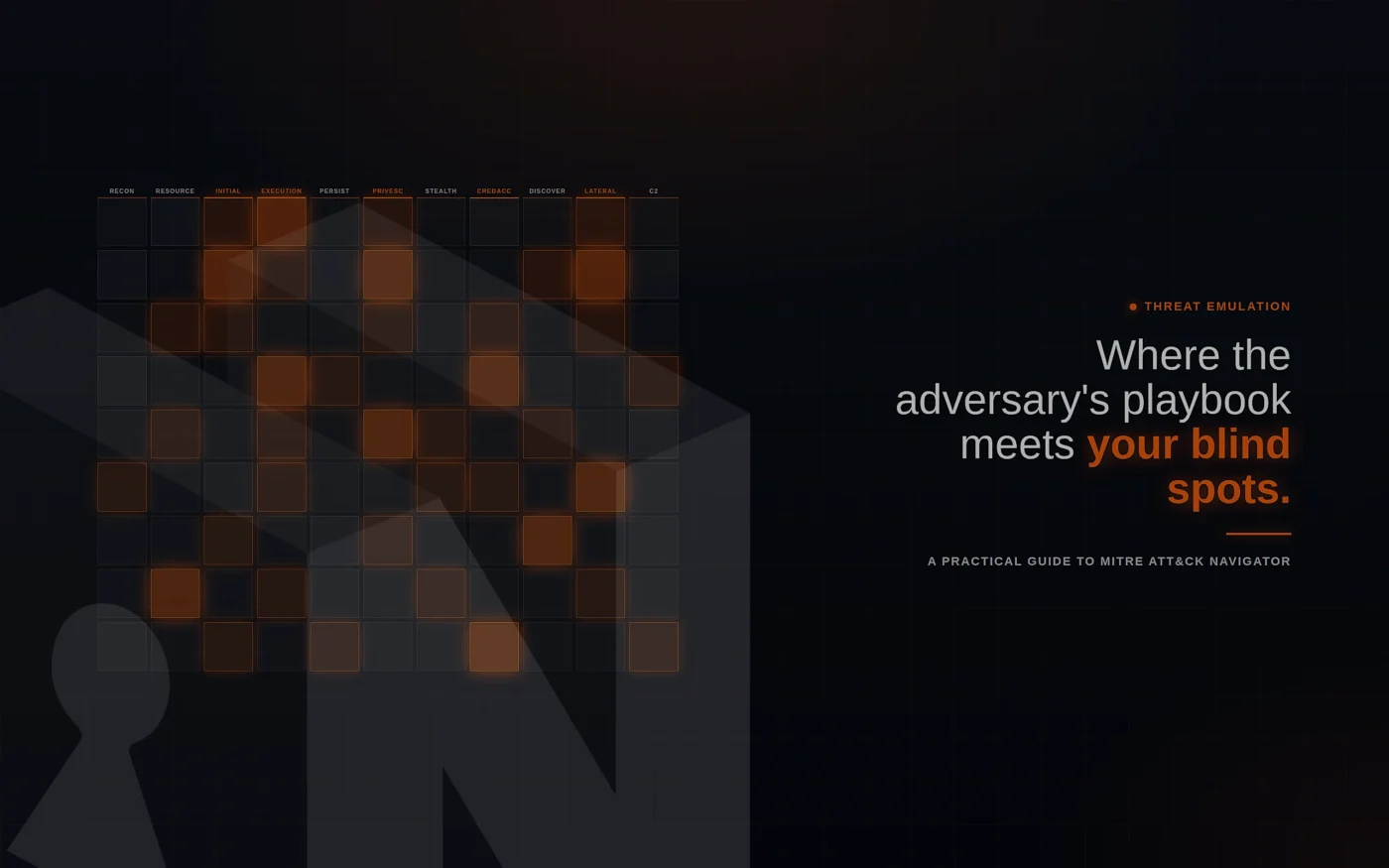
This is the right week to actually learn ATT&CK Navigator — not the version of “learning it” where you skim the matrix and call it threat-informed defense, but the version where you build adversary-specific layers, overlay them with your real detection coverage, and walk the gaps into emulation plans. The tool is free, browser-based, and almost universally underused. Most teams who claim they “use ATT&CK” use it as a tagging vocabulary in a SIEM. Navigator is what turns the vocabulary into a planning surface.
What ATT&CK Navigator Actually Is
Navigator is an open-source web app maintained by MITRE that lets you annotate the ATT&CK matrix — color-coding techniques, scoring them, attaching comments, hiding what’s irrelevant, and exporting the result as a JSON layer. The current release is v5.3.2, published April 21, 2026, two TypeScript repositories shy of v6. The hosted instance lives at mitre-attack.github.io/attack-navigator/. Layer files uploaded there stay client-side; nothing is stored on MITRE’s servers, which matters if you’re encoding internal coverage data.
A layer is the unit of work. Every layer is a JSON file scoped to one ATT&CK domain (Enterprise, Mobile, ICS) and one matrix version, listing techniques with whatever annotations you’ve applied. Layers compose: Navigator can produce a calculated layer from arithmetic on existing layers (e.g., a + b - c), which is how you build gap analyses without spreadsheets. v4.0 onward supports all three domains in a single instance, and v5.x added STIX 2.1 Collection Index loading, TAXII 2.1 server support, and a layer-upgrade UI for migrating layers across ATT&CK versions — directly relevant given the v19 churn.
What Navigator is not: an emulation framework, a detection engine, or a threat intel feed. It is the whiteboard. CALDERA, Atomic Red Team, Prelude Operator, and your SIEM are the executors. Navigator is where you decide what to emulate, what you cover, and what you don’t.
Install and Orient
Most teams should start with the hosted instance and only stand up local infrastructure when they have a reason — air-gapped environments, custom STIX bundles, or sensitive coverage data they don’t want in browser localStorage on a corporate laptop.
For local hosting, the GitHub repo (mitre-attack/attack-navigator) ships a Docker setup and a standard Node/Angular build. The config.json file controls which ATT&CK versions appear in the version dropdown — by default it pulls from MITRE’s STIX 2.1 Collection Index, but you can pin specific versions or point at an internal ATT&CK Workbench instance for org-extended techniques. After v19 lands, expect to spend an afternoon updating config.json references and validating that older layers still upgrade cleanly. Athena-OS also maintains a Tauri-based desktop fork with full offline STIX 2.0/2.1 support if you need a native app.
When you open Navigator and create a new layer, you pick a domain (Enterprise is the default starting point), a platform filter (Windows, Linux, macOS, Cloud, Containers, ESXi as of v17, Network Devices as of v17), and an ATT&CK version. The platform filter is the first place teams misuse the tool — picking “all platforms” gives you a 600+ technique grid that nobody can prioritize. Pick the platforms your assets actually run.
The Emulation Workflow That Actually Works
The pattern that produces useful threat emulation looks like this: threat selection → adversary layer → coverage layer → calculated gap layer → emulation plan → re-test. Each step produces an artifact you keep.
Step 1 — Pick a threat with intent. Don’t emulate APT29 because it’s famous. Emulate it because your sector or stack matches its targeting. Reasonable starting points in 2026: G1045 Salt Typhoon for telecom and ISP infrastructure, G1044 APT42 for orgs with significant Iranian geopolitical exposure, G1043 BlackByte for critical-infrastructure ransomware threat models, G1047 Velvet Ant for organizations running Cisco Nexus or similar legacy network gear, G0032 Lazarus Group for financial services. These were all added or substantially extended in ATT&CK v17.
Step 2 — Build the adversary layer. In Navigator, click the multi-select menu and filter by Threat Group. Selecting a group highlights every technique attributed to it across the matrix; assign a score (e.g., 1) and a color, then save the layer as salt-typhoon-baseline.json. For broader coverage, use the ATT&CK group page on attack.mitre.org/groups/ — it includes a “View ATT&CK Navigator Layer” button that exports the same layer as a one-click download. The Center for Threat-Informed Defense’s Adversary Emulation Plans Library on GitHub provides procedure-level emulation plans for groups including FIN6 and APT3, with techniques pre-mapped to commands you can run.
Step 3 — Build the coverage layer. This is the step most teams skip and the one that makes everything else worthless. Score every Enterprise technique by your actual detection confidence: 0 for none, 1 for unvalidated mapping, 2 for written but never tested, 3 for tested in lab, 4 for validated against atomic tests, 5 for caught in a live engagement. Most teams discover that their honest scores are lower than they expected. Tools like Tidal Cyber’s NARC, Arachne Digital’s Thread, and Sigma rule converters can pre-populate this layer from existing detection inventories, but the scoring discipline matters more than the tool.
Step 4 — Calculate the gap layer. Navigator’s calculated-layer feature takes expressions like a - b where a is the adversary layer and b is your coverage layer. The result is a heatmap of techniques the adversary uses that you can’t reliably catch. Export it as SVG for the report and JSON for the next iteration.
Step 5 — Translate gaps into emulation runs. For each red technique on your gap layer, identify a procedure-level test. Atomic Red Team is the largest curated library — every atomic is mapped to an ATT&CK technique ID, so T1059.001 (PowerShell) maps to dozens of executable atomics. CALDERA, MITRE’s own automated emulation platform, runs full chains. For the QakBot-style chain T1566.002 → T1204.002 → T1059.001 → T1055.012 → T1105, you can either chain atomics manually or build a CALDERA operation that runs the sequence end-to-end and reports back which steps your stack saw.
Step 6 — Re-score and ship. After the emulation, update the coverage layer with what was actually caught. Diff the before-and-after. The diff is the report.
a - b to subtract coverage from threat. Red cells are emulation candidates.Working with Layer JSON Directly
Navigator’s UI is fine for exploration but slow for repeatable work. Layer files are plain JSON, and most production teams treat them as code: stored in Git, generated by Python, diffed in pull requests, and rendered through Navigator only at review time. A minimal layer looks like this:
{
  "name": "salt-typhoon-vs-coverage",
  "versions": { "attack": "17", "navigator": "5.1.0", "layer": "4.5" },
  "domain": "enterprise-attack",
  "techniques": [
    { "techniqueID": "T1566.002", "score": 4, "color": "#d97706" },
    { "techniqueID": "T1059.001", "score": 2, "comment": "Sigma rule, untested" },
    { "techniqueID": "T1055.012", "score": 0 }
  ],
  "gradient": { "colors": ["#ff6666", "#ffffff", "#66ff66"], "minValue": 0, "maxValue": 5 }
}
The mitreattack-python library — currently aligned with v17 STIX content and routinely updated to track new releases — is the path to programmatic layer generation. A typical pipeline pulls the latest STIX bundle from the TAXII 2.1 server, queries for techniques used by a group, joins against an internal coverage CSV, and emits a layer JSON. From there it’s cat layer.json | pbcopy and paste into Navigator’s “Open Existing Layer.”
GitLab maintains a public pattern of treating Navigator layers as YAML in Git, building them into JSON at deploy time, and hosting an internal Navigator instance that pre-loads the resulting layers as tabs. That’s the operating model: layers as artifacts, not as throwaway browser sessions.
Navigator Feature Reference
The toolbar density is the first thing that scares people off. Most of it can be ignored on day one. The features that matter for emulation work:
a - b or a + b produce gap and union layers without leaving the browser.{{technique_attackID}}. Wire it to your SIEM, ticketing system, or atomic test runner.config.json. The path to local Navigator deployments with extended techniques.What the v19 Defense Evasion Split Does to Your Layers
ATT&CK Lead Adam Pennington flagged the upcoming releases as “most likely to break your products,” and v18 (October 2025) already retired the Data Sources object in favor of Detection Strategies. v19 is the structural one for emulation work. The replacement structure, drawn from Lauren Lusty’s ATT&CK blog post and confirmed in MITRE’s release notes:
TA0005 Stealth covers techniques where an adversary blends into legitimate behavior while your defenses are still running — T1036 Masquerading, T1027 Obfuscated Files or Information, T1218 System Binary Proxy Execution, T1564 Hide Artifacts. The adversary is operating below the detection threshold, not breaking detection.
The new Impair Defenses tactic (which gets a fresh tactic ID, with the old T1562 technique elevated) covers active sabotage — disabling EDR agents, modifying firewall rules, killing logging. Defenses have been compromised, not bypassed.
Most technique IDs aren’t changing — only the tactic association moves, which is far less disruptive than a mass renumber. Three techniques are leaving the former Defense Evasion space entirely (MITRE is shipping a crosswalk with the release). Email Spoofing and Impersonation techniques are reorganizing under a new Social Engineering technique. This is Enterprise-only; Mobile and ICS are unchanged. Mobile keeps its own TA0030 Defense Evasion tactic.
For Navigator users, the practical impact is concentrated in three places. Saved layers pinned to v17 or v18 will keep working — Navigator supports loading older versions — but layer-upgrade workflows to v19 will reshuffle every annotated TA0005 technique into either Stealth or Impair Defenses. Calculated layers that subtract by tactic (rare but possible via comment-based filters) need to be rewritten. And any internal documentation that uses Defense Evasion as shorthand needs an editing pass.
If you maintain emulation libraries that group atomics by tactic, that’s the priority sweep. The behaviors don’t change. The bucket they sit in does.
What This Tool Won’t Do
Navigator is a 2D matrix. Adversary behavior is a graph — branching conditional steps, retries, fallbacks, post-exploitation choices. A layer can tell you Salt Typhoon uses both T1190 and T1078, but not that one comes before the other in a specific campaign, or that one substitutes for the other when the first fails. For procedure-level sequencing you need an emulation plan format — the Center for Threat-Informed Defense’s YAML schema, CALDERA adversary profiles, or Atomic Red Team’s invocation order.
Navigator also does not validate detection. A green-coded technique is a claim, not a measurement. Every score on a coverage layer is unverified until an emulation tool actually executes the technique and your stack is observed catching it. Teams that conflate “we have a Sigma rule for T1059.001” with “we detect T1059.001” produce coverage layers that are political artifacts, not technical ones.
And Navigator’s web instance, while convenient, is not an audit trail. Layer files are JSON blobs. They don’t sign, they don’t version themselves, they don’t track who changed what. If coverage data drives compliance reporting or executive decisions, version-control the layers in a Git repo and treat the rendered Navigator view as a presentation layer over a real source of truth.
FAQ
Do I need to install anything to use Navigator?
No. The hosted instance at mitre-attack.github.io/attack-navigator/ works in any modern browser, with no account and no server-side storage of layer files. Local hosting matters when you need air-gapped operation, custom STIX bundles, or organizational policy reasons not to load coverage data into a browser session on the public internet.
How is Navigator different from ATT&CK Workbench?
Workbench is for editing the ATT&CK knowledge base itself — extending it with internal techniques, custom groups, or proprietary intel. Navigator is for annotating a knowledge base. Most teams use Navigator alone. Teams that maintain internal threat intelligence as ATT&CK extensions run a Workbench instance and point Navigator’s config.json at it.
Should I migrate to v19 immediately?
For active emulation projects, wait a week or two after release for crosswalks and tooling to stabilize. CALDERA, Atomic Red Team, and most commercial detection-mapping tools will need updates to align with the new tactic structure. Existing v18 layers continue to work; the migration is not time-pressured for ongoing operations.
Can Navigator handle ICS and Mobile?
Yes, since v4.0. Each layer is scoped to one domain. The Mobile and ICS matrices are smaller and less frequently updated than Enterprise, but the same workflow applies. ICS in particular benefits from emulation planning because the attacker population is narrower and the per-technique stakes are higher.
Where This Belongs in Your Program
Navigator is what closes the loop between threat intelligence and detection engineering. CTI teams produce reports. Detection engineers write rules. Without a shared visualization, those two functions argue at different levels of abstraction. A coverage layer overlaid on an adversary layer is the cheapest artifact in security that forces both teams to look at the same picture.
The honest version of using ATT&CK Navigator in 2026 isn’t installing it and clicking around. It’s running the loop — pick threat, layer, score, gap, emulate, re-score — quarterly per priority adversary. The output is a small number of validated detections and a much larger backlog of work, plotted against the v19 matrix that drops Tuesday. That backlog is the thing. The colored squares are just how you remember what’s in it.