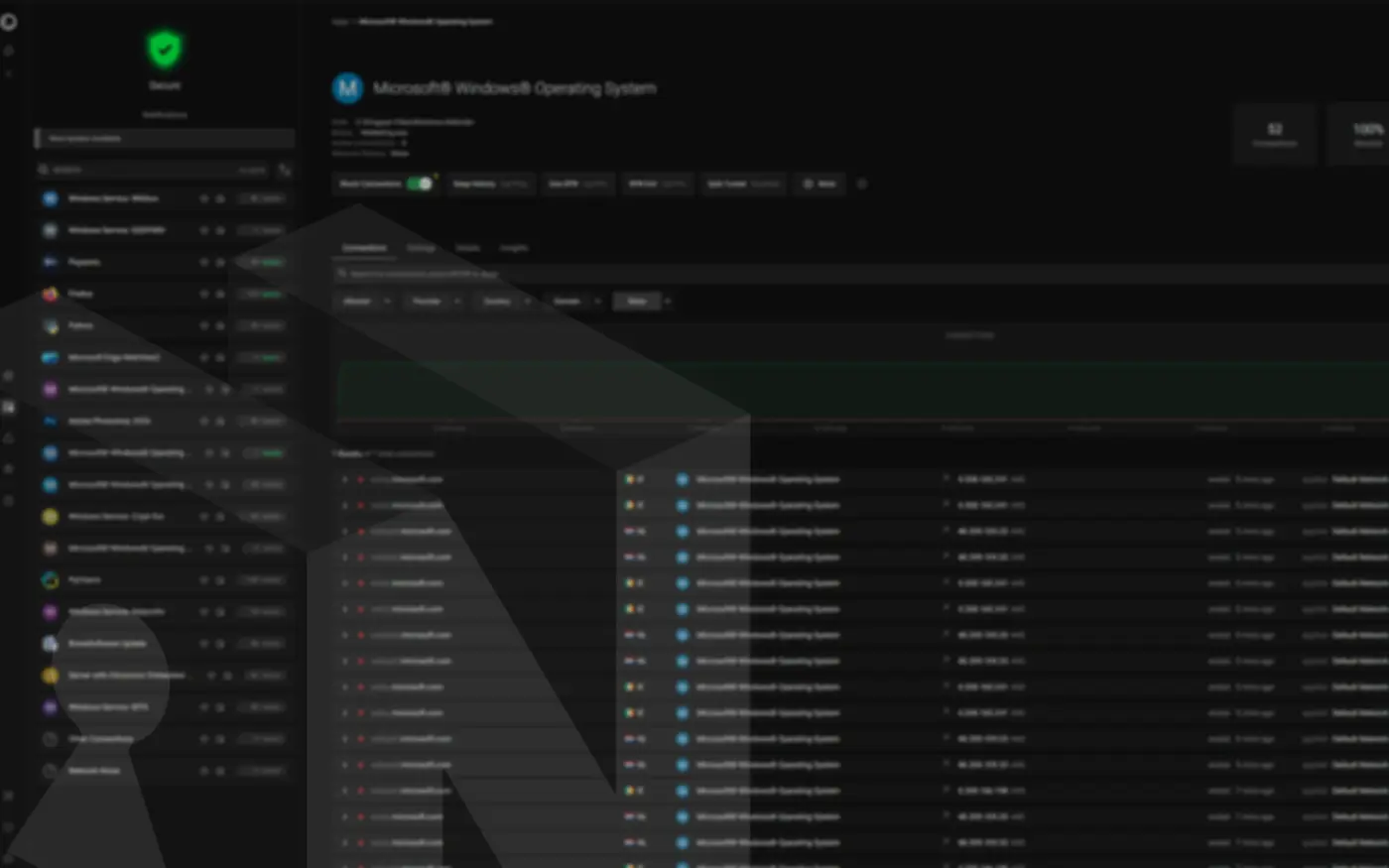
Portmaster is a free, open-source firewall for Windows and Linux, built by an Austrian company called Safing. Unlike the firewall already in Windows, which decides what to allow based on ports and addresses, it works per application: it identifies which program opened each connection and applies rules to that program specifically. It also shows every connection the machine makes, in real time, and lets you block any of them.
That distinction sounds small and changes everything. A conventional rule permitting “TCP port 443” permits every executable on the system to reach every website, which is barely a decision at all. A Portmaster firewall lets you say something far narrower: this browser may reach the internet, this driver utility may reach its vendor, nothing else may reach anything.
Safing built it for a problem most people never see. A typical Windows machine runs hundreds of processes, and many of them contact the internet on their own schedule for reasons nobody chose and no public document fully explains. Its most powerful setting inverts the usual model: rather than blocking what you recognise as unwanted, block everything by default and permit only what you trust.
This article covers that configuration end to end — installation sequence, complete settings with every value explained, what the machine does afterwards, and the two costs involved. The separate question of why conventional privacy tools cannot reach the same result on Windows is covered in Windows 11 Privacy: The Code Is Closed. The Connections Aren’t.
What the Portmaster Firewall Does Differently
Three properties separate it from the firewall Windows already ships.
It filters at packet level
Portmaster integrates into the Windows network stack through a kernel driver built on the Windows Filtering Platform (WFP), the same kernel framework Windows Defender Firewall uses, and intercepts traffic at the raw packet level. Consequently the evasions that defeat DNS-based blocking — connections made straight to an IP address, hardcoded resolvers, encrypted DNS inside an application — stay visible and blockable.
It knows which process opened each connection
The Portmaster firewall resolves connection ownership using a kernel driver and the IP Helper API, so every log entry carries the originating process. That matters more than it sounds, because many Windows services share svchost.exe host processes and Windows itself does not answer “which service did this” without tooling built for the purpose.
It is open source
Safing publishes the source on GitHub, and the company now works in collaboration with IVPN. Version 2 is the recommended release, with v2.2.3 current as of August. That matters here more than usual: replacing one unauditable component with another would defeat the exercise entirely.
The governing setting is Default Network Action. Portmaster’s source defines three values — permit behaves as a conventional blocklist, ask prompts interactively when no verdict exists, and block enforces allowlist mode. Everything below assumes block.
Installing the Portmaster Firewall on a Clean System
Sequence matters more than any individual setting, because the objective is a machine with no history of uncontrolled connections.
Install Windows offline with a local account
Perform the installation with networking unavailable and create a local account during setup. This achieves two things at once. It remains the most dependable route to the local-account path on consumer editions, and it means first boot happens with no reachable network — so no first-run telemetry, no feature acquisition, no account linkage, no background provisioning ever occurs.
The local-account step has grown harder. Insider Build 26220.6772 removed the known mechanisms for creating a local account during setup, and independent testing reported the change targeted both oobe\bypassnro and start ms-cxh:localonly. How comprehensively it reached release builds remains contested: community documentation updated within the past month still describes OOBE\BYPASSNRO from a Shift+F10 prompt as functional, with results varying by installation image age. Modifying the installation image for an unattended setup remains the reliable path.
Stage the installer, chipset and GPU drivers, VPN client and browser on removable media beforehand.
Set the deny posture before connecting
Install the Portmaster firewall while still offline. Then set three things before any network cable goes in:
- Default Network Action to
block - Block Inbound to
true - Expertise level to
expert, which exposes the advanced rule interface you will need
Only now connect to the network. From this point the machine boots into an environment where every process is denied by default, and the first worthwhile thing to do is open the log and watch what tries.
Building the Allowlist
A working allowlist runs short. Mine holds a VPN client, a browser, and a handful of applications that need individual control.
Grant access per application
Each permitted application receives its own profile, and that profile’s Default Network Action overrides the global block. Everything without a profile inherits the global deny, which is the desired behavior for the several hundred executables on a Windows install that have no business reaching the internet.
Scope vendor rules with wildcards
Where an application should reach only its own vendor, a scoped rule beats a blanket permit. Portmaster endpoint rules use a prefix convention — + permits, - denies — with wildcard support on domains. For example:
+ *.mozilla.orgin Firefox’s profile permits self-updating while the rest of the profile stays restricted+ *.amd.comin the AMD utility’s profile permits driver retrieval without creating a general-purpose exception
Two cautions apply. Vendor rules belong in application profiles, never the global endpoint list, where they would apply to every process on the system. Furthermore, verify the sign convention before adopting any published configuration, because a misread prefix in a global list produces a silent, system-wide change in the wrong direction.
Keep the LAN reachable
The global endpoint list is the right place for network-scope permits rather than vendor rules. Adding your other local machines by IP — + 192.168.1.20, for instance — keeps file shares, printers and local services working without opening anything outward. Similarly, the resolver you select needs a global permit so name resolution survives the deny-by-default posture.
Locking Down DNS
Name resolution offers the most common bypass route, so it needs its own attention. The Portmaster firewall runs an internal resolver, and four settings close the principal gaps.
DNS-over-TLS (DoT, specified in RFC 7858) wraps queries in TLS, which removes the ISP and anyone on the local network from the resolution path. Pointing at Cloudflare’s 1.1.1.2 and 1.0.0.2 endpoints adds malware-domain filtering at the resolver as a second layer, and the blockedif=zeroip parameter tells Portmaster to report filtered answers as blocks rather than failures.
Refusing network-assigned resolvers prevents a router or hostile network from substituting its own. Refusing plaintext DNS entirely means every lookup is encrypted or it does not happen. And bypass prevention stops a permitted application from routing around your resolver through its own built-in DNS-over-HTTPS — a setting most browsers now ship enabled.
Disable your VPN client’s DNS override for the same reason. The objective is exactly one resolver on the machine, chosen deliberately.
The Complete Configuration
Every value below comes from a working deployment, annotated with what it does and why it holds that value.
core.expertiseLevelfilter.defaultActionfilter.blockInboundfilter.preventBypassingfilter.blockInternetfilter.blockP2Pfilter.endpointsdns.nameservers1.1.1.2 / 1.0.0.2 over DNS-over-TLS, with blockedif=zeroip.dns.noAssignedNameserversdns.noInsecureProtocolshistory.enablesplittun.enableTwo values deserve emphasis. history.enable converts the Portmaster firewall from a blocker into an instrument — without it, connections are denied but nothing is retained, so the audit trail that justifies the whole approach never accumulates. And core.expertiseLevel gates the interface itself, so leaving it lower hides the controls the rest of this configuration depends on.
What This Setup Actually Gives You
The abstract case for default-deny is easy to state. What matters is the concrete result, so here is what changes on a machine running the configuration above.
Windows Update and Delivery Optimization
Start menu web search, Widgets, Store tasks
OneDrive, Edge background components
Every service nobody has catalogued
GPU drivers, through a scoped wildcard
VPN client
LAN shares, printers, local devices
Encrypted DNS through one chosen resolver
Three properties follow that a settings-based approach cannot offer. Nothing new gets out, since a component added by next year’s feature update inherits the deny — the model never needed to recognise it. Nothing is assumed, because the record shows what was attempted rather than what a vendor reports. And the configuration survives updates, as it lives outside the policy surface Windows resets.
The Connection Log as Audit Trail
Open the network activity view on an idle machine and the value becomes concrete. Although nothing has launched, denied connections accumulate — processes inside svchost.exe, the search host, the Widgets platform, Edge components, Store update tasks.
The log’s worth is evidentiary rather than merely operational. It records, beneath the application layer and through a component whose source anyone can read, what the system attempted. It does not explain what any connection was for, since that remains unknowable on a closed-source operating system. Rather, it establishes that the attempt occurred, from which process, toward which destination, and that it failed.
One caution: because services share svchost.exe, the expedient fix when something breaks is permitting a broad system entry — and a single such permit reopens most of what the configuration closed. Keep exceptions narrow, and diagnose by reading the log rather than by permitting things until a symptom disappears.
What It Costs
Two burdens transfer to you, and both are manageable as scheduled work rather than good intentions.
Patching becomes manual. Blocking Windows Update blocks security patches, and an unpatched machine is not private — merely exposed more quietly. Feature updates are worth deferring indefinitely, since they cause driver breakage and reset settings. Monthly cumulative updates are not, because their contents are invisible and therefore underrated: memory-corruption fixes in the graphics kernel, the TCP/IP stack, font parsing. Retrieve each month’s .msu from the Microsoft Update Catalog through your permitted browser and install it offline, roughly a week after Patch Tuesday so any problematic release is documented first.
Defender needs a decision. Its signature database freezes on the day you last updated it, while the interface keeps showing a green checkmark without mentioning the definitions are three months old. Pick one of three postures explicitly: update definitions weekly via the standalone mpam-fe.exe package, disable Defender properly and rely on patching plus discipline, or replace it with a third-party engine that updates from its own infrastructure through a scoped rule. ESET and Bitdefender both work this way — install them with their firewall and web-filtering modules deselected, so a single product owns the network path.
What It Doesn’t Cover
Direction draws the first boundary. Inbound blocking stops an attacker initiating connections to listening services, the MS17-010 / EternalBlue (CVE-2017-0144) path. Outbound default-deny stops unknown binaries beaconing out, T1071 in MITRE ATT&CK terms. Both are real, and neither touches what compromises most people.
C2 beaconing from unknown binaries
Remote exploitation of listening services
Components added by future releases
Credential phishing over ordinary HTTPS
Compromised updates from a permitted vendor
Code reaching SYSTEM and unloading the driver
The browser necessarily sits on the allowlist, and the attacks that matter arrive through it. A malicious extension exfiltrates over the browser’s own authorized connection. Phishing is a legitimate request to a site the user chose to visit. A compromised vendor update satisfies your wildcard rule by design — all of it T1055, Process Injection, as a category: code inside an authorized process inherits its authorization.
Privilege draws the second boundary. A host firewall is software running on the system it protects, so any process with SYSTEM rights can stop the service or unload the driver. The rules hold up to privilege escalation and not past it, which argues once more for those monthly updates.
Different controls close that gap: extension discipline, a password manager enforcing domain-bound credentials, hardware-token or TOTP second factors. None of it argues against the setup — only against a conclusion the setup invites.
FAQ
Is Portmaster safe to use?
It is open source, developed by Safing in Austria with IVPN, and auditable on GitHub. It installs a kernel driver, which is intrinsic to packet-level filtering — Windows Defender Firewall works the same way. The practical risk is misconfiguration rather than the software.
Portmaster firewall vs Windows Firewall — what is the difference?
Windows Defender Firewall supports outbound default-deny, but the operating system under examination administers it, and it offers far less visibility. Per-application DNS control, bypass prevention and a searchable connection history are what make an allowlist sustainable instead of an exercise abandoned within a week.
How does Portmaster work?
A WFP kernel driver intercepts packets before they leave, process attribution identifies the owner, and your rules produce a verdict. Anything without a verdict falls through to the Default Network Action, which in this configuration is block.
What breaks?
Windows Update, Store downloads, activation, and anything performing license validation. Each sits one scoped rule away from working again, if you decide you want it.
Why This One Is Different
Most Windows privacy tools work by naming what to stop. That approach fails on a closed-source system for a reason no amount of maintenance fixes: nobody outside Microsoft can produce the complete list those tools require.
A Portmaster firewall in default-deny mode never asks for that list. It does not need to identify a service, understand its purpose, or know whether it existed last year. Unidentified is the default state, and unidentified does not get out.
That is a narrower claim than “your machine is now private,” and it is the one that holds.